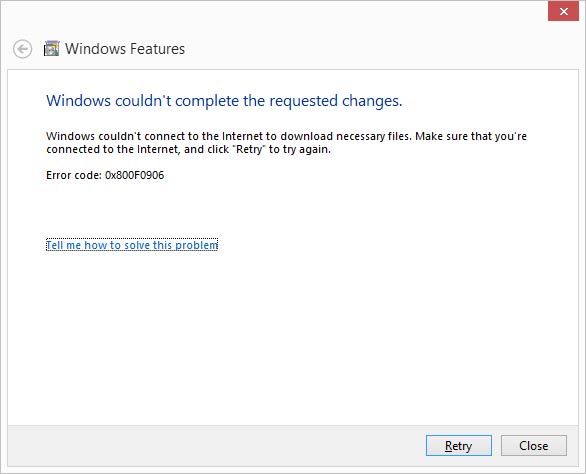
[UPDATE 2025 MARCH]
to enable .net 3.5 For server 2022 and 2025 try this command
Dism.exe /online /enable-feature /featurename:NetFX3 /All /Source:E:\sources\sxs /LimitAccess
Replace E: with your DVD/CD Rom Drive letter
[UPDATED ON 2019 JAN 25]
Make sure the Windows 8 disk is in the drive (if your drive is not the d:\ drive, change the source drive letter to match your drive)
dism.exe /online /enable-feature /featurename:NetFX3 /Source:d:\sources\sxs
The install will take a few minutes to run.
Note* – If Windows update service is disabled , enable it before run the command other wise you will get more errors like Error: 0x800f081f
NEW UPDATE –
IF YOUR HAVING BUILD VERSION 1806 USE THE SAME BUILD DVD TO INSTALL THE FEATURE
TRY THIS COMMAND IF ABOVE COMMAND IS NOT WORKING
Dism.exe /online /enable-feature /featurename:NetFX3 /source:d:\sources\sxs /LimitAccess
Shaaa, Working perfectly, thanx man !!!!
superb…thanks
Thanks a lot. it is working.