⚠️ Don’t try this if you don’t know what you’re doing
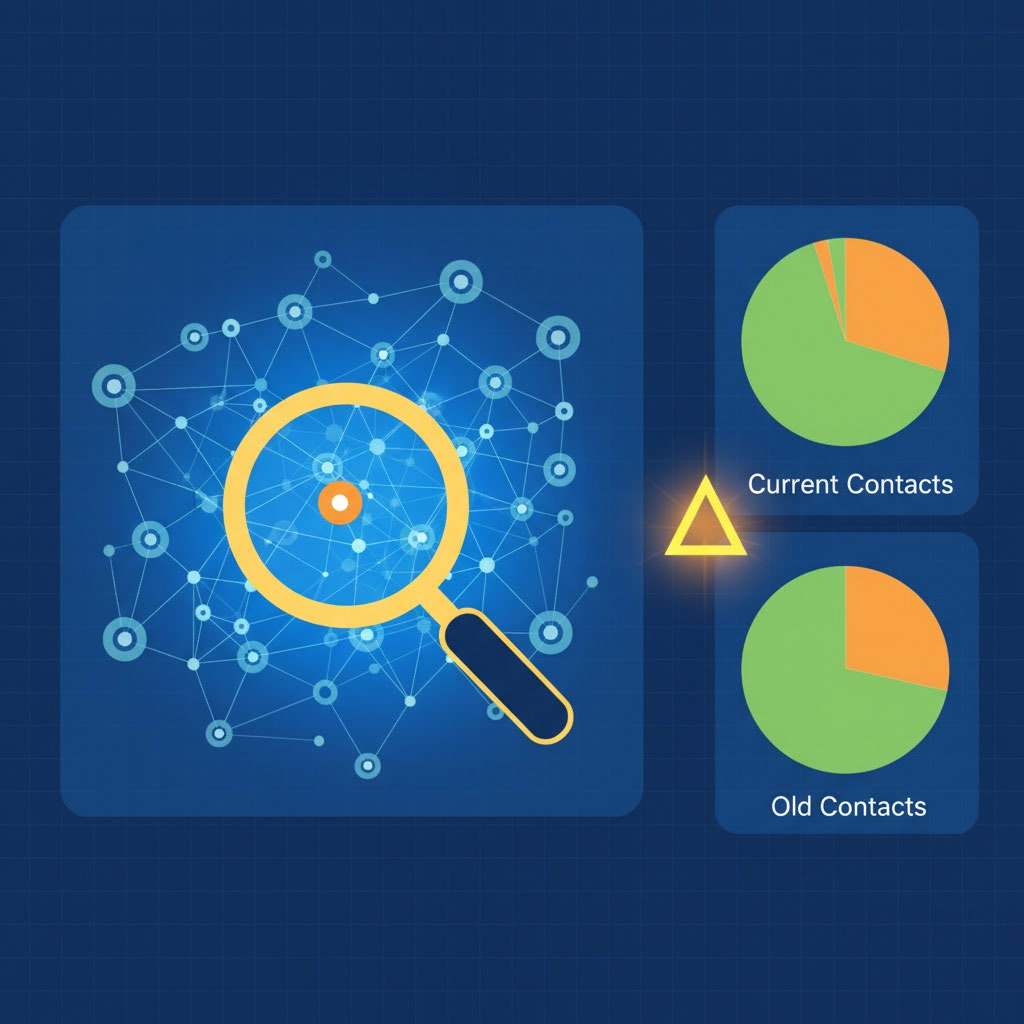
The Scroll of Forgotten Contacts: A Kapothi Ritual for Temporal Recovery
By IGCAS | November 1, 2025 | Kapothi Archives
🌌 Prologue: When Memory Fades, Ritual Restores
In the vast archive of digital names and numbers, one contact slipped away. You remembered the moment it was saved — but not the name, not the number. So you summoned the archive, rolled back time, and performed a ritual to recover what memory could not.
This is the Kapothi method: a sovereign, timestamped approach to recovering forgotten contacts using Google Contacts and Excel.
🛠️ The Ritual: Temporal Diff of Contact Scrolls
🧾 What You’ll Need:
- A Google Contacts export from today (
contacts_nov01.csv) - A Google Contacts rollback to the past (e.g., October 15), exported as
contacts_oct15.csv - Excel or Google Sheets
- A unique identifier (we used
"Phone 1 - Value")
✅ STEP 1: Export Your Current Contacts (Preserve the Present)
- Go to Google Contacts
- Click More → Export
- Choose Google CSV format
- Save as
contacts_nov01.csv
⚠️ Important: Rolling back your contacts will temporarily remove any contacts added after the rollback date. This export is your safety scroll — your way to restore the present after the ritual.
🔁 STEP 2: Roll Back Time
- In Google Contacts, click the ⚙️ Settings → Undo Changes
- Choose Custom → Roll back to the date you believe the contact was saved (e.g., October 15)
- Confirm the rollback
- Export your contacts again as CSV:
contacts_oct15.csv
This is your “Before” scroll — a snapshot of your contacts as they were on that date.
🧮 STEP 3: Compare the Scrolls
- Open both CSVs in Excel
- Copy the
"Phone 1 - Value"column from each into separate sheets (Oct15,Nov01) - In
Nov01, use this formula in column B:
=IF(COUNTIF(Oct15!A:A, A2)=0, "New", "Old") - Drag the formula down and filter for “New”
These are the contacts added after the rollback date — your temporal echoes.
🔍 STEP 4: Seek the Forgotten
Review the “New” entries. Search for clues: names, numbers, notes. If your contact isn’t there, it may never have been saved — but now you know for sure.
🔁 STEP 5: Restore the Present (Undo the Undo or Re-import the Scroll)
- Go to Google Contacts
- Click ⚙️ Settings → Undo Changes
- Choose “1 day ago” (or however many days ago you performed the rollback)
- Confirm the undo
(If “Undo for 1 day” doesn’t restore your full contact list, you can always import your exported contacts from today —contacts_nov01.csv— to bring everything back.)
🕯️ Epilogue: The Power of Ritual
“The Archive does not forget — it waits. And when summoned with care, it reveals what memory cannot.”
This method isn’t just a technical trick — it’s a ritual of clarity. A way to honor the ephemeral, to recover what was nearly lost, and to transform digital chaos into sovereign order.
Let this scroll guide others who seek their own forgotten names.