Category Archives: For Kids

Rufus — The Dog Who Became Amazon’s AI

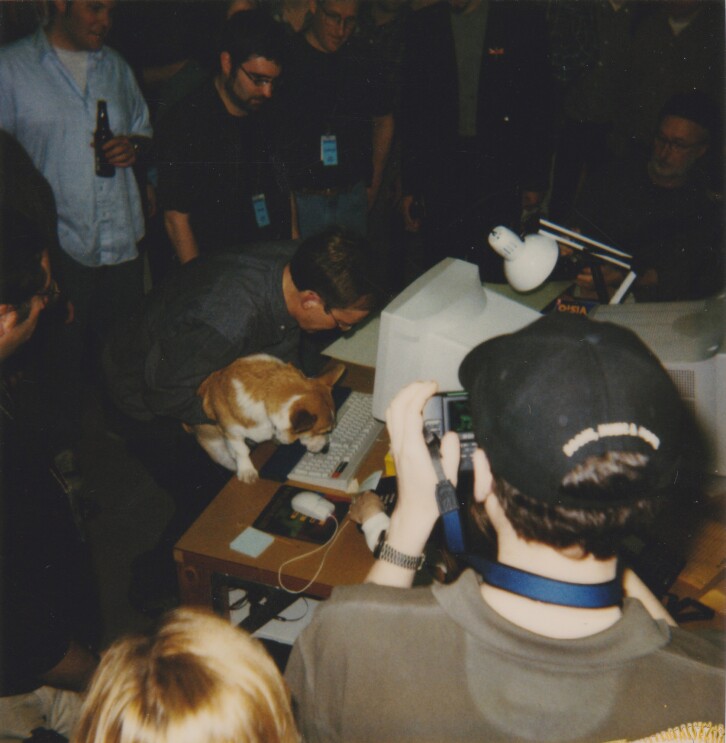
Rufus, Amazon’s first dog, getting ready to launch a new site. Photo by JORDAN STEAD / Amazon

🐾 Rufus — The Dog Who Became Amazon’s AI

Rufus with his human parents and at work
Rufus — Amazon’s first mascot, now immortalized in AI.

🕯️ Opening Ritual:
In the late 1990s, when Amazon was still a fledgling warehouse of books, a Welsh corgi named Rufus padded through its hallways. He wasn’t just a pet — he became a symbol of friendliness, curiosity, and the playful spirit of discovery.

📜 The Scroll of Rufus

  • Rufus belonged to Eric and Susan Benson, early Amazon employees.
  • He sat in meetings, chased tennis balls down corridors, and lightened the startup grind.
  • His paw print was memorialized, and after his passing, colleagues gifted a stone marker to the Bensons’ Seattle home.

⚙️ The AI Rebirth

In 2024, Amazon launched its generative AI shopping assistant — and named it Rufus. Not after a tech tool, but after the dog who once helped shape Amazon’s culture.
Just as Rufus guided employees with joy, Rufus AI now guides shoppers with knowledge.

🧪 Kapothi Command Box

# Kapothi Ritual: Spotting Rufus
# -----------------------------------------------------------
# 🟢 Comments in green | 🔵 Commands in blue | 🟠 Parameters in orange
# -----------------------------------------------------------

# 🔵 Linux / macOS (Terminal)
curl -I https://www.primevideo.com/storefront

# 🔵 Windows CMD
curl -I https://www.primevideo.com/storefront

# 🔵 Windows PowerShell
$response = Invoke-WebRequest -Uri "https://www.primevideo.com/storefront" -Method Get -MaximumRedirection 0 -ErrorAction SilentlyContinue
$response.Headers

# 📜 Ritual Outcome:
# -----------------------------------------------------------
# → Look for the "Location" key in the headers
# → If redirected to /region/eu        => EU Catalog
# → If redirected to /nonprimehomepage => Global / U.S. Gateway
# → If stays on /storefront            => Direct U.S. Sanctuary
# -----------------------------------------------------------

🪶 Closing Reflection

Rufus reminds us that even in the most technical of shrines — whether proxy logs or AI shopping assistants — there is room for warmth, play, and legacy. A dog’s paw print became a brand’s heartbeat, and now, an AI’s name.

The Super-Speedy Story of the Internet!

Kapothi Kids Internet Scroll Header: Super Speedy Story

🌟 Kapothi Kids Scroll: The Super-Speedy Story of the Internet!

Hello, amazing adventurers! Do you ever wonder how videos, games, and messages zoom across the world instantly? Let’s peek behind the screen and see the incredible journey of the Internet!


The Internet Story: A Timeline of Tech!

Let’s zoom back in time and see how our digital world grew up:

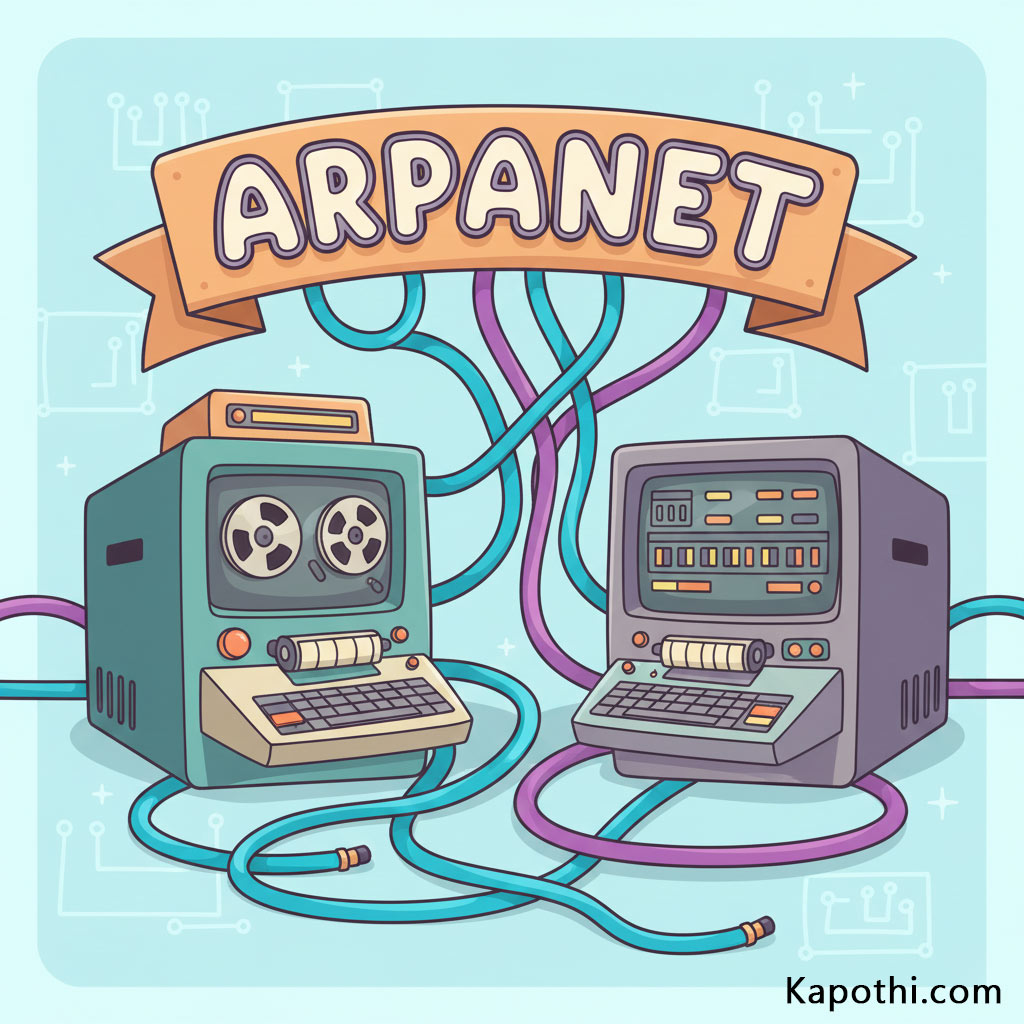
Giant old computers connected by secret tunnels (ARPANET)

🚀 Chapter 1: The Secret Whisper (The First Spark)

Long, long ago, computers were HUGE—bigger than your bedroom! Scientists wanted these giant brains to talk to each other, but they needed a way to connect them.

They built a secret system called ARPANET.

Imagine building underground tunnels 🚇 between secret laboratories, so the computers could whisper important secrets back and forth. This secret whisper network was the grandpa of the internet!

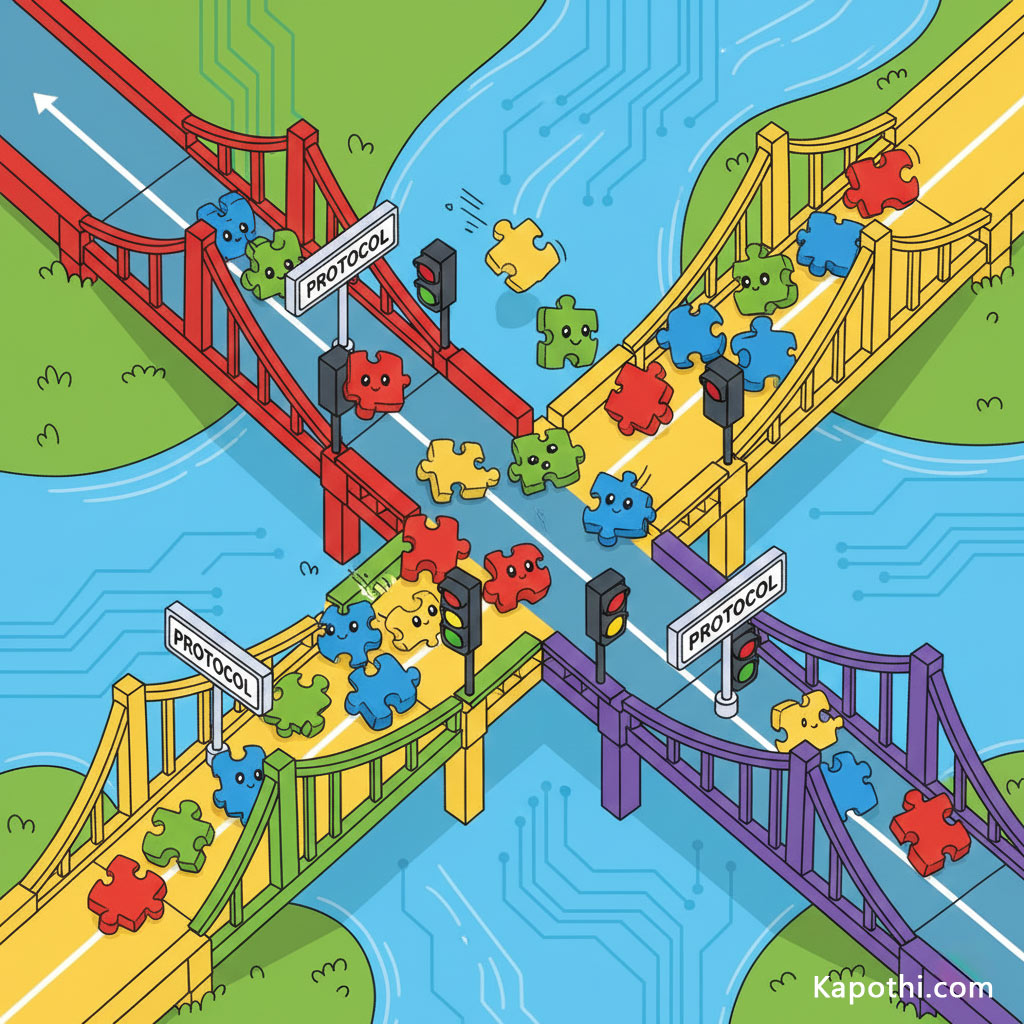
Tiny delivery trucks carrying puzzle pieces (Packets)

🧱 Chapter 2: The Mighty Puzzle Pieces (Building Bridges)

How does a whole picture or movie travel? It doesn’t go all at once!

When you send a message, it gets chopped up into tiny, super-fast puzzle pieces called packets 🧩.

These packets race across bridges and wires (like tiny, speedy delivery trucks). The protocols are like traffic lights 🚦 and rules that make sure no packet gets lost or bumps into another packet. They all travel separately, and then—whoosh!—they reassemble perfectly at the destination!

A magical library with linked books (World Wide Web)

🌐 Chapter 3: The Magical Library (The World Wide Web)

In 1989, a brilliant inventor named Tim Berners-Lee created the World Wide Web. This was the real game changer!

He made it so you could click on words and pictures (links), and they would instantly teleport you to a different page. It was like opening a huge, never-ending, magical library where every book (or website) is linked to every other book!

Your web browser (like Chrome or Firefox) is your magical viewing window, allowing you to explore this infinite world with just a click! 🖱️

Invisible radio waves connecting a smartphone (Wi-Fi)

📡 Chapter 4: Power of the Invisible Air (The Age of Wi‑Fi)

For a long time, the internet needed thick, messy cables. But then came Wi‑Fi!

Wi‑Fi lets the internet travel through the air using invisible radio waves. 💨 It’s like giving your tablet or phone a superpower that allows it to catch knowledge floating all around you, even when you’re outside playing!

Your smartphone became a pocket portal, letting you explore anywhere you go! 🗺️

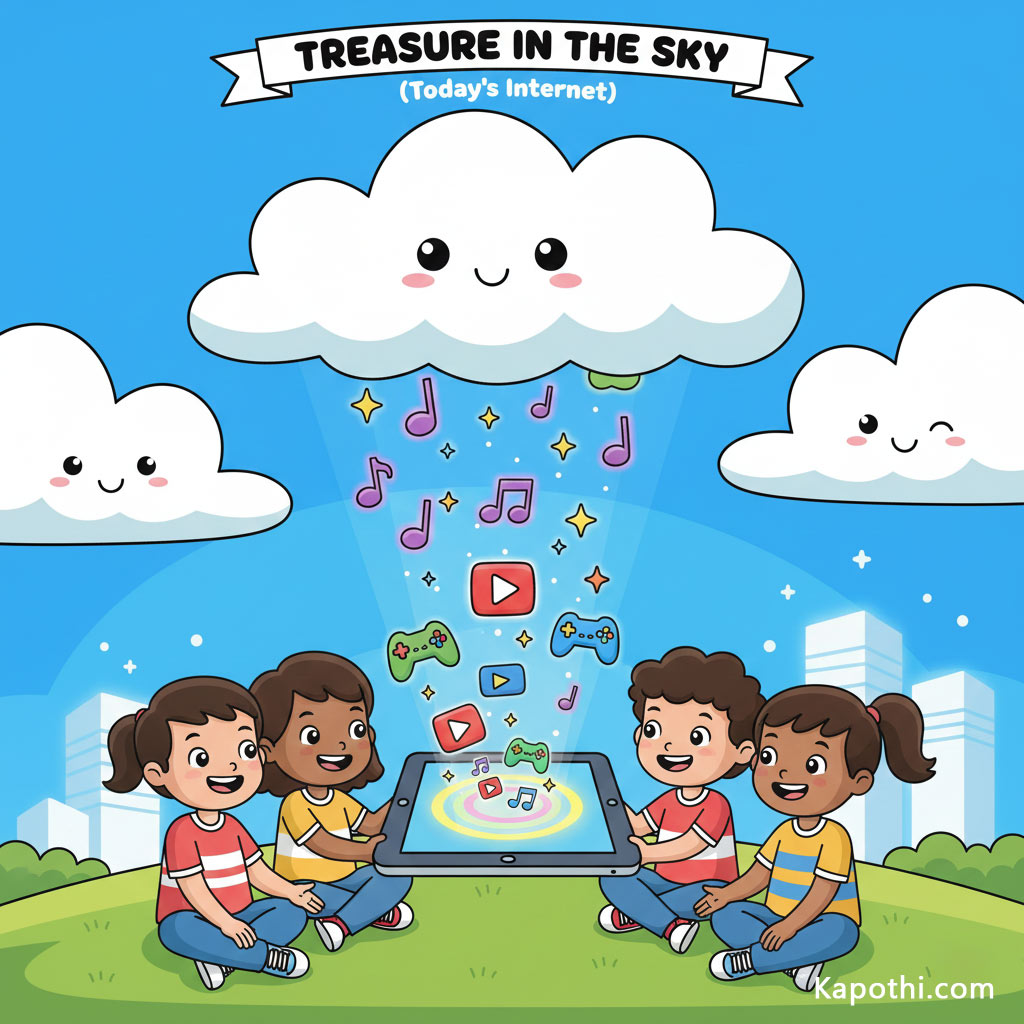
Cloud raining down data and songs (The Cloud)

☁️ Chapter 5: Treasure in the Sky (Today’s Internet)

Where does all the data go? It floats in the Cloud!

The “Cloud” is just a fancy name for giant buildings filled with thousands of computers (servers) that store everything—your favorite games, your parents’ photos, and all the music in the world. They are giant digital treasure chests! 💰

When you stream a video, the song doesn’t even need to download; it travels instantly from the Cloud to your screen. It’s like the clouds are raining down songs and stories just for you! ☔🎶


Kapothi.com Fun Fact: The simple idea of letting two computers talk led to the biggest invention since the printing press. Every time you connect, you’re part of that giant conversation!

What’s your favorite part of the Internet? Share it with us below!

🚀 The Secret Life of Apps! Your Tiny Digital Helpers!

🚀 The Secret Life of Apps! Your Tiny Digital Helpers!

Hey Tech Explorers!

Get ready for an amazing adventure into the secret world of apps! You use them every day, right? For playing awesome games, watching your favorite videos, learning cool stuff for school, or talking to your family and friends. But have you ever stopped to wonder… What is an app, anyway?

A cheerful, friendly robot app character with various app icons like games, videos, and books floating around it, on a glowing circuit board.

Imagine this: Apps are like tiny, super-smart robot helpers that live inside your phone, tablet, or even your computer! Each one has a special job. Just like you have different toys for different kinds of fun, your devices have different apps for different kinds of tasks. They’re always ready to spring into action when you tap their icon!

Who Makes These Magical Mini-Robots?

A friendly cartoon kid with colorful hair happily typing code on a computer, with app robots appearing on the screen, illustrating app development.

These amazing app robots don’t just appear out of thin air! Real people, often called App Builders, Programmers, or Developers, create them! They’re like digital architects who design and build entire worlds inside your devices.

App builders use a special “computer language” called code. It’s like writing a super-detailed recipe or a set of instructions that only computers understand. They tell the app robot exactly what to do: “When the user taps this button, show this picture!” or “If the player jumps, move them up!”

It all starts with an idea, then lots of planning, drawing, coding, and testing! App builders try out their apps many times to make sure they work perfectly, are fun to use, and don’t have any silly bugs (mistakes) that could make the app crash. It’s a bit like building a Lego castle and making sure all the pieces fit just right!

How Do Apps Talk to You? (And You to Them!)

Have you ever wondered how you tell an app what to do, or how the app shows you cool things? It’s all about talking!
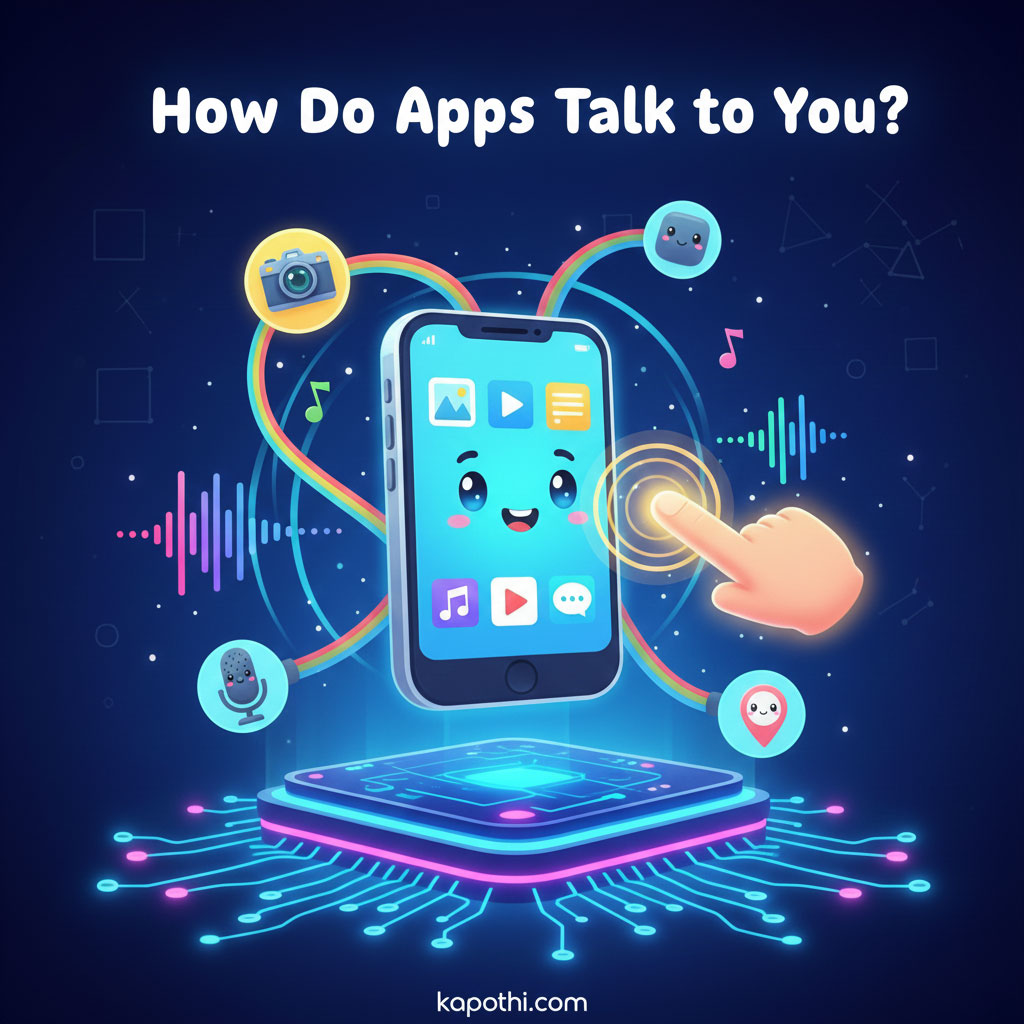
A cheerful smartphone app character interacting with a finger tap, with icons for camera, microphone, and location sensors around it, on a glowing circuit board.
  • Buttons & Taps: This is the easiest way! When you tap a button on the screen, you’re giving the app a command, like “Start game!” or “Show next picture!” Your finger is like a magic wand!
  • Screens & Sounds: Apps talk back to you by showing colorful pictures, videos, and text on your screen. They also use fun sounds, music, and even voices to get your attention or celebrate your victories!
  • Sensors: Their Eyes, Ears, and Feelers! Your phone or tablet has special parts called sensors. Apps use these to understand the world around them:
    • Camera: The app uses your device’s “eyes” to take photos or scan QR codes.
    • Microphone: The app uses your device’s “ears” to listen for your voice commands or record sounds.
    • Touchscreen: The app feels where your finger is, so it knows what you’re pointing at or drawing.
    • GPS (Location): Some apps use a “sense of direction” to know where you are, like map apps.

It’s like the app is a clever robot using all its senses to interact with you and its environment!

Where Do Apps Live? (On Your Device & in the Cloud!)

A cute, friendly smartphone on one side, connected by colorful lines to a happy cloud on the other side, representing apps living on devices and in the cloud, with app icons traveling between them.

So, once you download an app, where does it actually go? Apps have two main “homes”:

  1. Your Device’s Storage: Most of an app’s main “body” and some of its data (like your game saves, if you play offline) live right on your phone or tablet’s memory. Think of it like your toys that live in your room – they’re always there when you want to play!
  2. The Cloud (The Internet Home!): Many apps also have a special second home “in the sky” – which is really a fancy way of saying they live on huge, powerful computers (called servers) far away on the internet!
    • Why the cloud? This is how you can play games with friends who are in a different house, save your important drawings online so you don’t lose them, or watch endless videos without using up all your device’s space. The cloud helps apps share information and connect with the whole world!

So, apps are a bit like superheroes with two bases: one on your device for quick action, and one in the cloud for global adventures!

Apps for Everything! (Different Kinds of Robot Helpers)

A cheerful smartphone app character surrounded by various app icons representing different types: games, learning, creativity, and communication, on a glowing circuit board.

Just like there are different types of robots for different jobs, there are tons of apps, each with a special purpose!

  • Games for Fun! These are the app robots that bring you exciting adventures, puzzles, and challenges right to your fingertips.
  • Learning & School! Some apps are super smart teachers! They can help you learn new words, practice math, explore space, or discover amazing facts about animals.
  • Creative Apps! Want to draw a masterpiece, compose a song, or edit a cool photo? There are apps that help you become an artist, musician, or photographer!
  • Communication Apps! These apps help you talk to your family and friends, whether they’re next door or across the world, using messages, calls, or video chats.
  • Everyday Helpers! You’ll find apps for almost anything – checking the weather, finding your way on a map, telling you how to cook a yummy snack, or even helping you identify a plant!

No matter what you want to do, there’s probably an app robot ready to help!

Being a Smart App User (App Safety Basics)

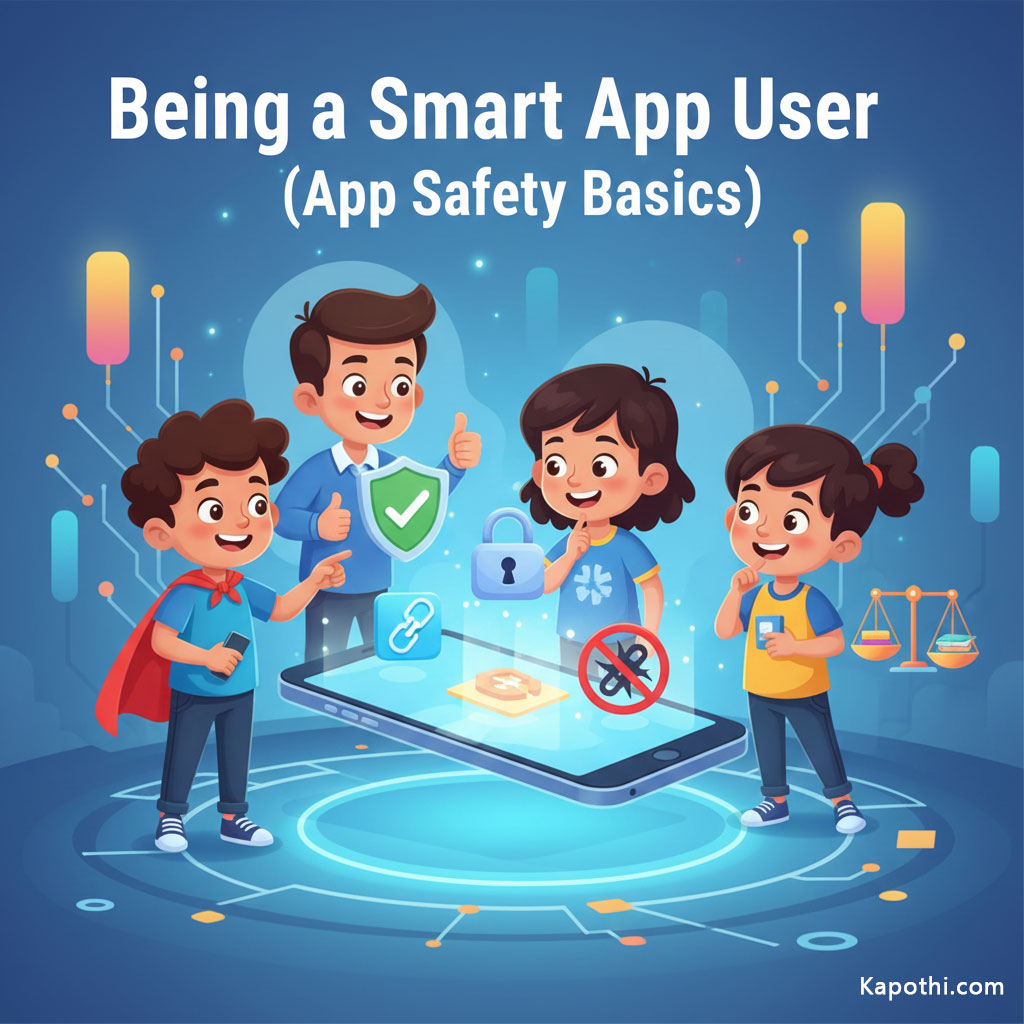
A smart cartoon kid looking at a phone with a lock icon, thinking about privacy and safety, representing responsible app usage.

Apps are amazing, but it’s super important to be a smart app user, just like you’re smart when you cross the road! Here are some golden rules:

  • Always Ask a Grown-Up: Before you download any new app, always ask your parent or guardian for permission. They can help you choose safe and appropriate apps.
  • Privacy Patrol: Apps sometimes ask for information, like your location, your name, or access to your camera. This is called “privacy.” Always ask a grown-up if it’s okay to share this information. If an app asks for too much, it might be best to say no!
  • Don’t Click Everything: Be careful with pop-ups, ads, or links inside apps. Some might take you to places you don’t want to go. If something looks strange, tell a grown-up.
  • Balance Your Screen Time: Apps are fun, but remember there are lots of other exciting things to do outside, with friends, or with a good book! Make sure you balance your app time with other activities.

By being a smart app user, you can enjoy all the amazing things apps offer safely!

Conclusion: Amazing Apps!

Wow! We’ve explored the secret life of apps! Now you know that apps are like tiny, helpful robots, built by clever programmers, that talk to you through screens and sounds, use your device’s sensors, and can live both on your device and far away in the cloud!

Keep being curious, keep asking questions, and keep exploring the amazing world of technology safely! Happy app adventures, Tech Explorers!

🚀 Beyond Discs: The Flash & Cloud Storage Journey

🚀 Beyond Discs: The Flash & Cloud Storage Journey

Hey Tech Explorers! 👋

Remember when we journeyed through the eras of CDs, DVDs, and Blu-rays? Those shiny discs were amazing for their time, but technology never stops evolving! Today, we’re blasting off into the next chapter of digital storage: the super-fast, super-portable world of Flash Memory and the limitless expanse of the Cloud!

Get ready to discover how our photos, videos, and important files moved from physical discs to tiny sticks, and then up into the internet skies!


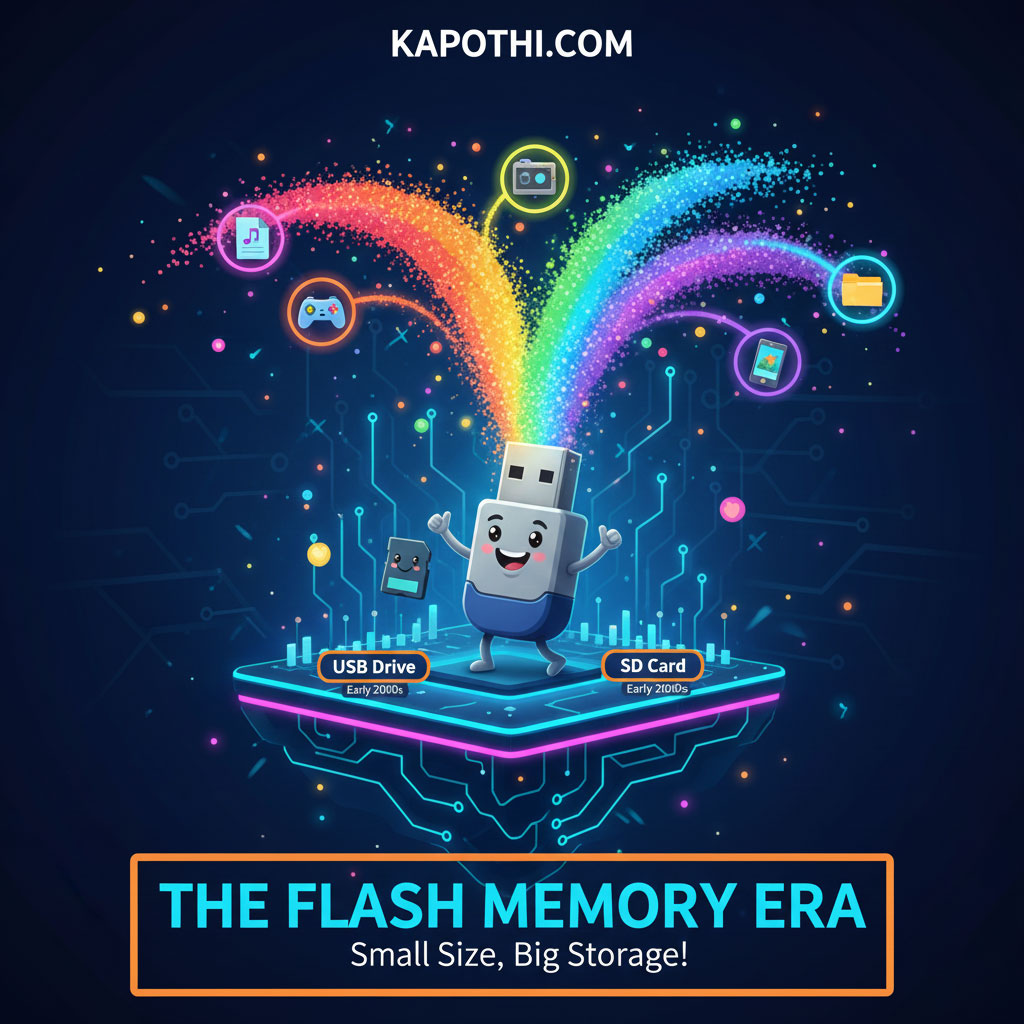
The Flash Memory Era: Small Size, Big Storage!

Remember those floppy disks or even CDs for carrying files? They were bulky! Then came Flash Memory, tiny wonders that changed everything. Flash memory stores data electronically, with no moving parts, making it super fast and durable.

A tiny USB flash drive glowing with digital light, symbolizing the flash memory era of small size and big storage capacity.

  • USB Drives (Thumb Drives / Pen Drives):
    • Timeline: Early 2000s (became widely popular)
    • These little sticks became the go-to for carrying files. Plug it in, drag and drop, and go! Capacity started small (like 8MB!) but quickly grew to hundreds of gigabytes.
  • SD Cards:
    • Timeline: Early 2000s (introduced, gained popularity through digital cameras)
    • Tiny postage stamp-sized cards that powered digital cameras, smartphones, and even gaming consoles. Perfect for expanding storage on small devices.
  • Main Uses: Portable file transfer, camera storage, expanding device memory, booting small operating systems.
  • Key Benefit: Small, durable, fast, and reusable!

The Rise of Solid State Drives (SSDs): Speed Beyond Spin!

For decades, computers used Hard Disk Drives (HDDs) with spinning platters. They worked, but they were slow and fragile. Then, SSDs arrived, taking flash memory technology and putting it into your computer!

A sleek solid state drive glowing with futuristic light, symbolizing the SSD era of speed beyond spinning disks.

  • How they work: Like a giant, super-fast USB drive for your computer! No spinning parts means incredibly quick boot times, faster app loading, and instant file access.
  • Timeline: Mid-2000s (consumer introduction, gained traction Late 2000s / Early 2010s)
  • Capacity: Started smaller but now rivals and often exceeds traditional hard drives.
  • Main Uses: Primary storage for laptops, desktops, and servers, making everything feel snappier.
  • Key Benefit: Extreme speed, silent operation, more durable than HDDs.

Network Attached Storage (NAS): Your Own Private Cloud!

As our digital lives grew, so did our need for shared storage at home or in small offices. Enter NAS! Think of it as your very own, mini-server designed just for storing and sharing files over your home network.

A modern NAS device with glowing network lights, symbolizing the NAS era of creating your own private cloud for data storage and sharing.

  • What it is: A specialized computer box with multiple hard drives (or SSDs) connected to your home network.
  • Timeline: Early 2000s (commercial availability, widespread home adoption Mid-2000s onwards)
  • Shared Access: Everyone in the house (or office) can store, access, and share files from their devices.
  • Media Server: Great for storing all your movies and music to stream to smart TVs or phones.
  • Key Benefit: Centralized storage, easy sharing, private and under your control.

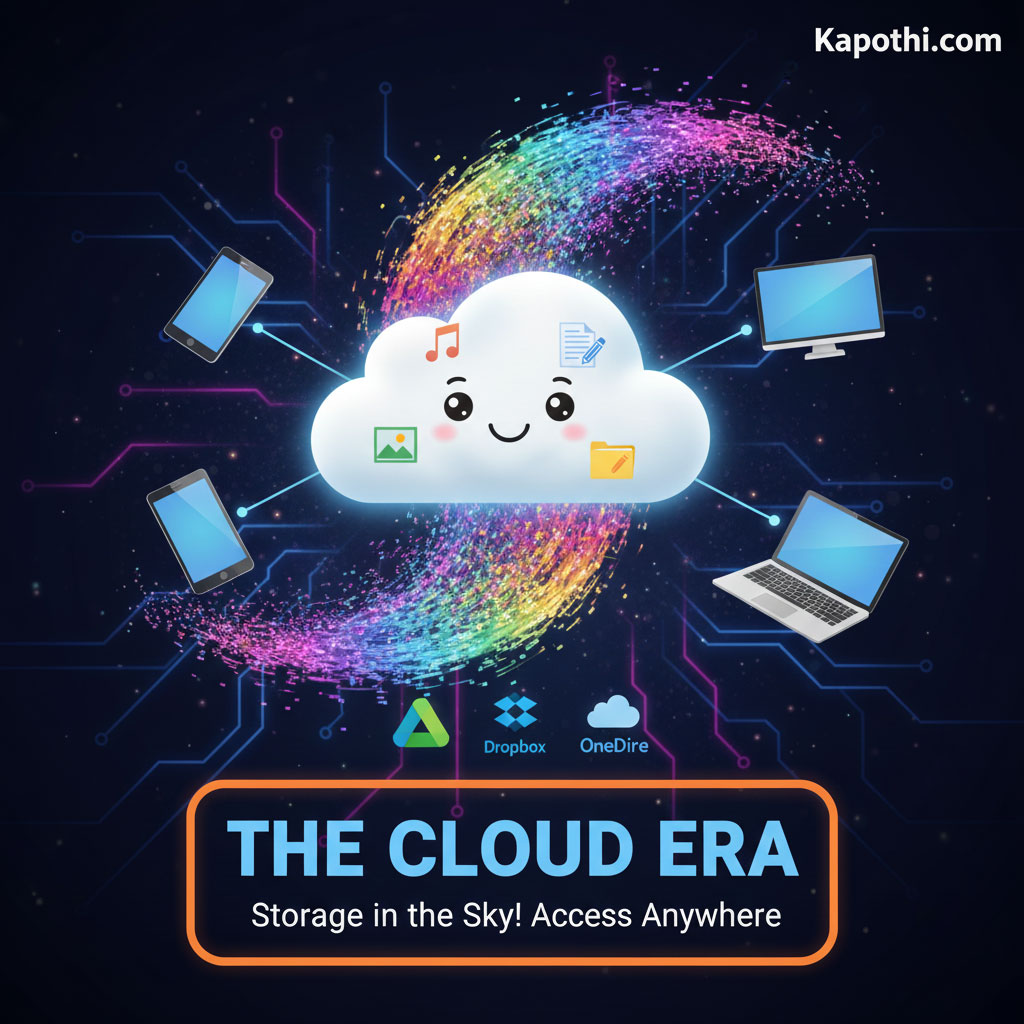
The Cloud Era: Storage in the Sky!

And finally, the ultimate shift: the Cloud! Instead of storing files on your own device or a local drive, you store them on powerful servers maintained by companies like Google, Microsoft, or Amazon, accessed over the internet.

A glowing cloud filled with digital streams, symbolizing the cloud era of storage in the sky with limitless access.

  • How it works: Your files live on massive data centers far away. You access them from anywhere with an internet connection.
  • Timeline: Mid-2000s (early services like Dropbox emerge), Late 2000s / 2010s onwards (widespread adoption and integration into daily life).
  • Examples: Google Drive, Dropbox, OneDrive, iCloud.
  • Main Uses: Backups, sharing large files, syncing documents across devices, streaming media without using device space.
  • Key Benefit: Access anywhere, automatic backups, easy sharing, scalability (buy more space when you need it).

From Tiny Chips to Global Networks!

From the simplicity of a USB stick to the vastness of the cloud, digital storage has come a long way. Each step has made our data more portable, faster to access, and easier to share. What an incredible journey!

What’s your favorite way to store your files today? Share your thoughts in the comments below!


Storage Trilogy: This is Part 3 — Flash Storage Era. Previous: Floppy Disk EraOptical Disk Era.

🚀From Shiny Discs to Invisible Clouds: Our Digital Storage Adventure!

🚀 From Shiny Discs to Invisible Clouds: Our Digital Storage Adventure!

Hey Tech Explorers! 👋

Get ready for an amazing journey through time! Remember how we talked about the super old floppy disks? Well, after those came shiny discs, and now our digital stuff lives in invisible clouds! This story isn’t just about technology changing; it’s about how we listen to music, watch movies, and keep our memories safe. Come with us as we zoom from holding music in our hands to having entire libraries ready to stream anywhere!


Our Awesome Storage Timeline!

Check out how our storage world kept growing and changing:

CD Era (1980s–1990s): Music in a Disc!
This is when we started collecting music albums and getting our first computer games on shiny discs!
DVD Era (1990s–2000s): Movies on Demand (at home)!
Suddenly, movies came home on discs with awesome menus and special features. Big computer programs got delivered this way too!
Blu-ray Era (2006 Onward): Super HD Power!
Super clear movies, amazing PlayStation games, and really, really big files found their home on Blu-ray discs.
Cloud & Streaming Era (2010s Onward): Invisible Libraries!
No more discs! Now we stream movies, music, and save our files ‘in the cloud’ – accessible from anywhere!
Awesome Fact: We went from holding our digital treasures in our hands to accessing them magically from anywhere with the internet!

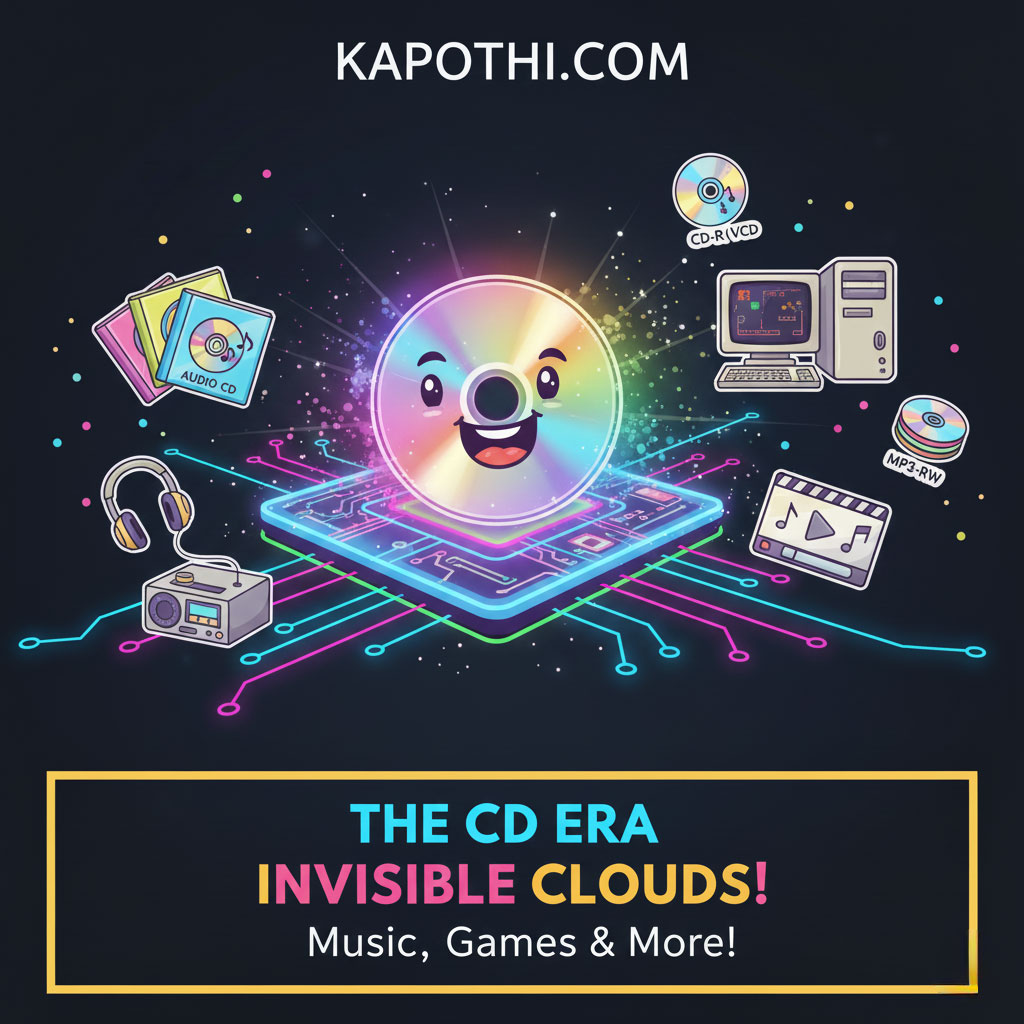
The CD Era: Our First Shiny Discs!

A shiny compact disc reflecting rainbow light, symbolizing the CD era of music, software, and data storage.

Imagine your favorite songs on a shiny silver disc! CDs taught us the joy of owning music, with cool album art and the fun of making mixtapes for friends.

  • How much it held: Around 700 MB (Megabytes). That’s like a few hundred photos!
  • What we used them for: Listening to music albums, installing early computer software, and backing up small files.
  • Different Kinds of CDs:
    • Audio CD: For music! You could play them in your home stereo or car.
    • CD-ROM: For computers! These held games (like encyclopedias!) and software you could read (ROM = Read-Only Memory).
    • CD-R: You could record on these ONCE, like making a special music mix or saving your own files.
    • CD-RW: These were super cool because you could record, erase, and record again, perfect for backups!
    • MP3 CD: These could hold hundreds of songs on just one disc because the songs were compressed to be smaller!
Fun Memory: The joy of opening a new CD, looking at the artwork, and sharing your favorite music with friends!

The DVD Era: Hello, Hollywood at Home!

A sleek DVD disc glowing with silver light, symbolizing the DVD era of movies, software, and data storage.

DVDs came along and changed movie nights forever! These discs held way more than CDs, bringing bigger, better movies and huge computer programs right to our homes.

  • How much it held: 4.7 GB (Gigabytes) on one side, or 8.5 GB on a super-duper dual-layer disc! (That’s like 7-12 CDs of storage!)
  • What we used them for: Watching awesome movies, installing big PC games and software, and storing lots of data.
  • Different Kinds of DVDs:
    • DVD-Video: Standard movies with cool menus and extra scenes, just like at the cinema!
    • VCD (Video CD): These were like mini-DVDs popular in some parts of the world, making movies affordable.
    • DVD-ROM: For computers! Held big software suites and lots of games.
    • DVD-R / DVD+R: Record on these once, great for saving home videos or big backups.
    • DVD-RW / DVD+RW: Rewritable, so you could use them again and again for different projects.
    • MiniDVD: Smaller DVDs often used in camcorders to record family memories.
Fun Memory: Family movie nights were born, and our shelves filled up with our favorite films!

The Blu-ray Era: Crystal Clear Super Storage!

A glossy Blu-ray disc glowing with deep blue light, symbolizing the Blu-ray era of high-definition movies, games, and large data storage.

When TVs got super clear (High Definition!), we needed even bigger discs! Blu-ray discs stepped up, bringing amazing picture quality and even more storage for giant files.

  • How much it held: 25 GB per layer! Some had many layers, holding up to 100 GB! (That’s like 5-10 DVDs or over 140 CDs!)
  • What we used them for: Watching super-high-definition movies (even 4K!), playing awesome PlayStation games, and backing up huge projects.
  • Different Kinds of Blu-rays:
    • Blu-ray Video: For movies in incredible detail, with extra cool features.
    • Blu-ray Data Disc: For archiving and saving massive computer files.
    • BD-R: Record-once Blu-ray for burning huge amounts of data.
    • BD-RE: Rewritable Blu-ray for saving and updating large archives.
    • Mini Blu-ray: Smaller discs, sometimes used in special camcorders.
Fun Memory: Seeing movies in amazing clarity and building huge collections of console games!

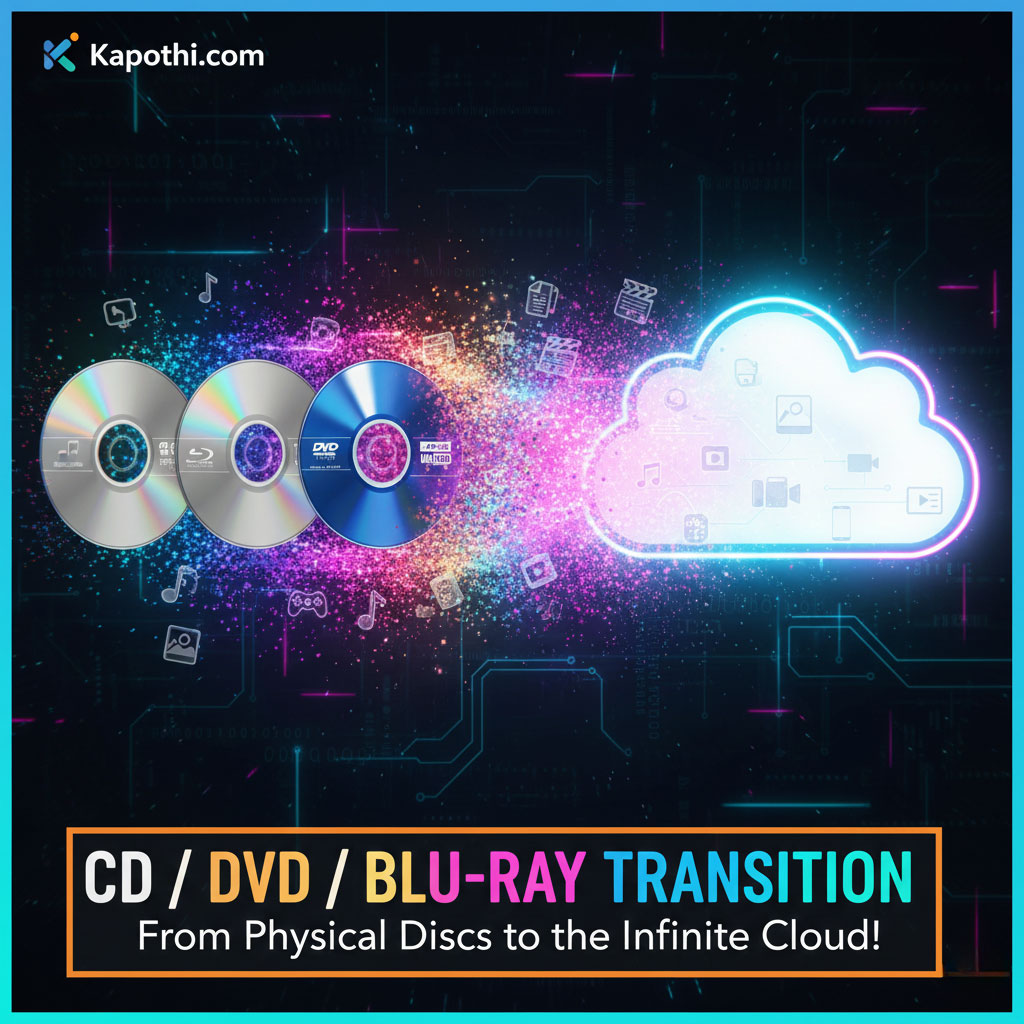
The Great Shift: From Discs to Invisible Clouds!

An abstract cloud glowing with digital streams, symbolizing the great shift from physical discs to invisible cloud storage.

After all those awesome discs, something even bigger and more magical happened: our stuff started living in the **Cloud!** This means our music, movies, and files don’t need a physical disc anymore; they live on super-powerful computers (servers) far away, and we access them through the internet!

  • Cloud Storage: Like Google Drive or Dropbox! Your files live online, so you can access them from your phone, tablet, or computer – anywhere, anytime!
  • Streaming Services: Hello Netflix, YouTube, and Spotify! Now, you just press “play” and the movie or music starts instantly, without needing a disc.
  • No Discs Needed: Many new computers don’t even have a disc drive anymore because we just stream or download everything!
  • Super Portable: Instead of carrying a disc wallet, your whole music and movie library fits in your phone!
Magical Moment: We went from holding our favorite movie discs to trusting that our favorite shows are always waiting for us in the ‘unseen’ cloud!

Why Did Our Shiny Discs Go Away?

It’s not that discs weren’t cool anymore, but new technology offered even *more* amazing things! We found new ways to store and share data that were faster, bigger, and super convenient.

  • Running out of Space: Our files got HUGE! A single Blu-ray disc, even with 100GB, wasn’t enough for endless movies or massive games.
  • Faster is Better: Storing things on super-fast computer hard drives (like SSDs) or directly in the cloud became much quicker than reading from a disc.
  • Cheaper Tech: Making those giant data centers for the cloud became more affordable, so we could all get lots of storage for less money.
  • New Computers: Laptops got super thin, and there wasn’t room for a disc drive anymore!
  • “Tap & Play” Wins: It’s just easier to tap a screen and start a song or movie than to find, load, and put away a disc.
Still Around! While most of us don’t use them daily, Blu-ray discs are still used by collectors for super-high-quality movies, and some special “archival discs” can keep data safe for hundreds of years! So they’re not *totally* gone!

Kapothi.com Fun Fact: From the earliest CDs that let us share music with friends, to the amazing cloud that holds endless shows, every step in storage history is super cool! What’s your favorite way to save or stream your favorite things today? Tell us below!


Storage Trilogy: This is Part 2 — Optical Disk Era. Previous: Floppy Disk Era → Next: Flash Storage Era (USB, SD, SSD).

💾 The Floppy Disk Adventure: Our First Portable Files!

💾 The Floppy Disk Adventure: Our First Portable Files!

Hey Tech Time Travelers! 👋

Before shiny CDs, before tiny USB sticks, and way before our files lived in the invisible cloud, there was a super-cool, slightly chunky hero of storage: the **Floppy Disk!**

Imagine carrying your favorite game or your homework on a flexible square of plastic. Floppy disks were like the very first lunchboxes for your digital stuff. They were a bit slow and needed gentle care, but they were *revolutionary*! They carried our first computer programs, documents, and games, teaching us all about saving and sharing.


The Floppy Story: A Timeline of Tech!

Let’s spin back in time and see how these amazing disks evolved:

The Big One: 8-inch Floppy (Early 1970s)
Imagine a dinner plate! These giant floppies helped really big computers (like mainframes) get started.
The Pizza Slice: 5.25-inch Floppy (Late 1970s – 1980s)
Smaller, squishier, and super popular with early home computers like the IBM PC. This is where many classic video games lived!
The Pocket Pal: 3.5-inch Floppy (1980s – Early 2000s)
The most famous floppy! It had a hard plastic shell, fit in your pocket, and helped us save everything from homework to Windows 95!
Cool Fact: Each floppy size was a giant leap for computers, making them more personal and portable!

Meet the Floppies Up Close!

Let’s peek inside each floppy’s world:

The 8-inch Floppy: The Gentle Giant

A cheerful 3.5-inch floppy disk icon sending out data representing homework, files, and drivers, symbolizing its common uses.

  • Capacity: Around 80 Kilobytes (KB) to 1 Megabyte (MB). (That’s tiny! A single photo today is usually much bigger!)
  • What it ran: Helped super-old computers start up and run very basic programs.
  • Imagine this: It was like the computer’s brain – without it, the machine couldn’t even wake up!
Fun Memory: Before hard drives, the computer itself was silent until you fed it a giant floppy!

The 5.25-inch Floppy: The Game Changer

A friendly 5.25-inch floppy disk icon interacting with classic PC games, a computer monitor, and a stack of floppy disks, highlighting its role in gaming and software installation.

  • Capacity: From 360 KB up to 1.2 MB.
  • What it ran: Famous early computer games like King’s Quest and Ultima, and important programs for early PCs.
  • Imagine this: To install a game or software, you often had a stack of these disks! You’d hear a noisy “clatter” as the computer asked: “Insert Disk 2 to continue!”
Fun Memory: Swapping disks was a cool ritual of playing early computer games!

The 3.5-inch Floppy: The Everyday Hero

A cheerful 3.5-inch floppy disk icon sending out data representing homework, files, and drivers, symbolizing its common uses.

  • Capacity: 720 KB to 1.44 MB.
  • What it ran: Saved your homework, shared photos, and even helped install big operating systems like Windows 95!
  • Why it was cool: It had a hard plastic cover and a cool sliding metal door, making it much tougher and truly “pocket-sized.”
  • Cultural impact: It became so famous, its shape is *still* the “Save” icon we click today!
Fun Memory: This was the first time we could easily carry our digital world in our pocket!

Why Did Floppies Disappear?

Even heroes sometimes have to make way for new adventures! Floppy disks eventually faded because:

  • Too Small: 1.44 MB just wasn’t enough for the huge files we started creating (like big photos and videos).
  • A Bit Fragile: They used magnets, so if you got them too close to a strong magnet, your data could vanish!
  • New Heroes Arrived: CDs, then DVDs, then super-fast USB drives, and now the amazing Cloud, all offered more space and speed.
A Lasting Legacy: Every time you click the “Save” icon in your apps, you’re giving a little nod to the mighty floppy disk! It taught us how to save and protect our digital work.

Kapothi.com Fun Fact: Floppies were like fragile scrolls of magic, carrying programs and games, and showing us the first taste of digital freedom. From dinner-plate sizes to pocket-pals, they paved the way for all the amazing storage we have today!

What’s your favorite old-school tech memory? Share it with us below!


Storage Trilogy: This is Part 1 — Floppy Disk Era. Next: Optical Disk Era (CDs, DVDs, Blu‑ray) → Then: Flash Storage Era (USB, SD, SSD).

🚀 Kids’ IT Glossary: Unlock the Secrets of the Digital World!


Hey Future Tech Whizzes! 👋

Ever wonder what goes on inside your computer, tablet, or smartphone? It’s like a magical world filled with secret codes, tiny helpers, and super-fast thinkers! Sometimes, grown-ups use big, confusing words for these things. But guess what? We’re going to make it easy and super fun!

Welcome to our Kids’ IT Glossary, where we turn tricky tech words into awesome, easy-to-understand ideas with cool pictures. Get ready to unlock the secrets of the digital world!


Your First Digital Discoveries!

  • Firmware 🧾: Imagine a hidden script inside your favorite toy. That’s firmware! It’s the secret set of instructions deep inside hardware that tells devices like your gaming console or smart speaker exactly how to work.
  • Server 📚: Think of a giant, super-organized library that shares all its books (which are like information or data!) with everyone online. When you watch a video or visit a website, a server is probably sharing that data with you!
  • Cloud ☁️: No, not the fluffy white things in the sky! In the computer world, the “cloud” is like borrowing space and power from other people’s super-computers through the internet. It’s how your photos stay safe even if your phone breaks!
  • Codec 🔄: Ever seen a super long video squeezed into a small file? That’s thanks to a codec! It’s like a clever translator for videos and songs — it squishes them smaller so they’re easier to send, and then unsquishes them perfectly when you want to play them!
  • IP Address 🏠: Every house has an address, right? Well, your computer, phone, or tablet also has one when it’s on the internet! It’s called an IP Address, and it helps data know exactly where to go.

More Awesome Tech Words!

  • Cache 🎒: Your computer is super smart! It has a tiny “backpack” called a cache where it keeps things it needs often, like parts of a game or website. This makes everything load much faster next time!
  • Encryption 🔒: Have you ever sent a secret message to a friend? Encryption is like a super-secret code that locks your messages (and your private stuff!) so only the right person with the special “key” can read them. Super safe!
  • Bandwidth 🚰: Imagine your internet is like water flowing through a pipe. Bandwidth is how wide that pipe is! A bigger pipe means more internet “water” (data) can flow at once, so your games load faster and videos play smoothly!
  • Bug 🐞: Sometimes, computer programs have little mistakes that make them act funny, like a toy with a loose spring. We call these “bugs”! Programmers work hard to find and fix them.
  • Algorithm 🍲: Ever followed a recipe to make a delicious cookie? An algorithm is just like that! It’s a step-by-step recipe that tells the computer exactly how to solve a problem or complete a task.

Even More Digital Wonders!

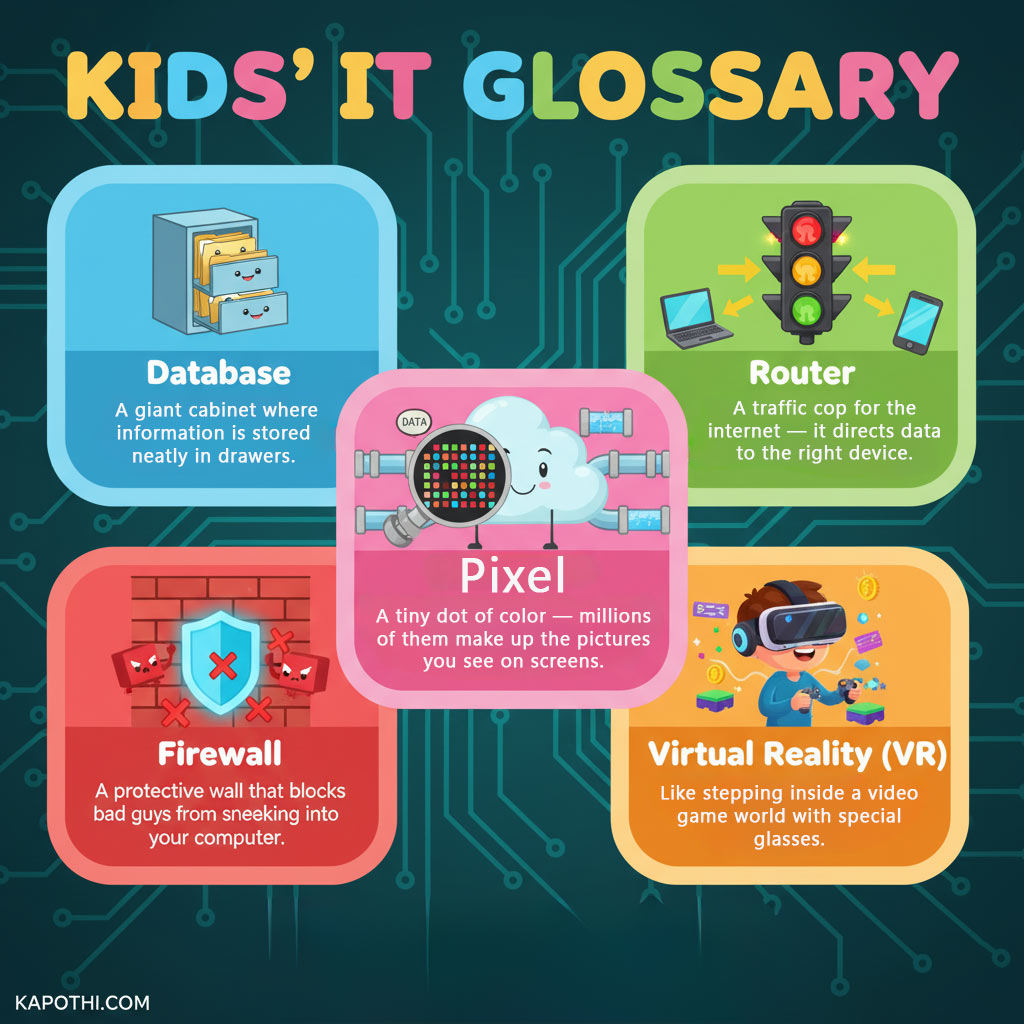
  • Database 🗂️: Where does all that information from websites and apps go? Into a database! Think of it as a giant, super-organized filing cabinet where information is stored neatly in drawers, ready to be found instantly.
  • Router 🚦: Your internet needs a traffic cop, and that’s your router! It’s like a traffic light for the internet that directs all the data (like game info or video streams) to the right device in your home.
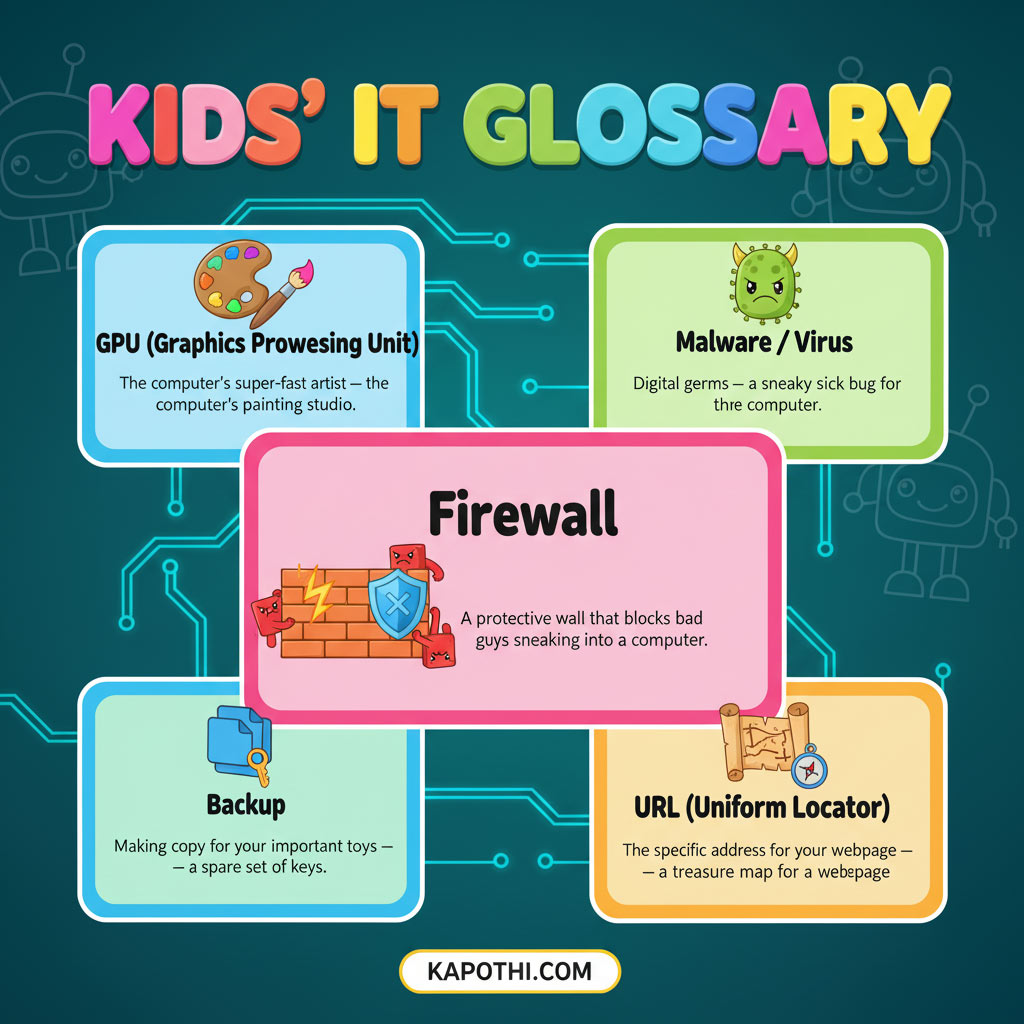
  • Firewall 🧱: Just like a strong brick wall protects a castle, a firewall is a protective wall for your computer! It blocks bad guys and unwanted software from sneaking in and causing trouble.
  • Pixel 🔲: Look super close at your screen! See those tiny dots of color? Each one is a pixel! Millions of these tiny dots work together to create all the amazing pictures and videos you see on screens.
  • Virtual Reality (VR) 🎮: Ever dreamed of stepping inside your favorite video game? With special glasses and a headset, Virtual Reality lets you do just that! It’s like being transported into a whole new digital world!

The Computer’s Inner Team!

  • Operating System (OS) 🧠: The OS is like the conductor of a super-big orchestra! It’s the boss program that makes all the parts of your computer (and all your other apps!) work together smoothly. Think of it as the computer’s brain!
  • Input/Output (I/O) ↕️: How do you talk to your computer, and how does it talk back? That’s Input/Output! Input is like you typing on a keyboard or clicking a mouse, and Output is like the computer showing you things on the screen or playing sounds.
  • RAM (Random Access Memory) 📝: Imagine your computer has a super-fast workbench or a temporary notepad. That’s RAM! It’s where the computer keeps all the things it’s actively working on right now so it can grab them super quickly. But, like a notepad, it forgets everything when you turn the computer off!
  • ROM (Read-Only Memory) 📜: If RAM is a temporary notepad, ROM is like the computer’s permanent rulebook, written on a stone tablet! It holds the most important instructions the computer needs to wake up and get started, and those rules never change.
  • CPU (Central Processing Unit) 💡: The CPU is the ultimate “thinker” inside your computer! It’s like a super-fast calculator and problem-solver that does all the heavy lifting to run your games, apps, and everything else.

More Power and Protection!

  • GPU (Graphics Processing Unit) 🎨: While the CPU thinks, the GPU is the computer’s super-fast artist! It’s specially designed to draw all the incredible pictures, animations, and videos you see on your screen, making your games and movies look amazing!
  • Malware / Virus 🦠: Uh oh! Malware is like digital “germs” or a sneaky sick bug for your computer. It’s bad software designed to cause trouble, slow things down, or even try to steal your information. Always be careful online!
  • Backup 💾: Ever worried about losing your favorite game saves or important drawings? A backup is like making extra copies of all your important digital stuff! If something happens to the originals, you have a spare set, safe and sound.
  • URL (Uniform Resource Locator) 🗺️: When you want to visit a website, you type in its address, right? That’s a URL! It’s like a super specific treasure map that tells your internet browser exactly where to find a page on the internet, like kapothi.com/kids-it-glossary.

Conclusion

Wow! You’ve just learned so many cool things about how computers and the internet work. You’re becoming a real digital explorer! Keep exploring, keep learning, and keep being curious about the amazing world of technology.

What’s your favorite new tech word? Let us know in the comments below!