
Hey Future Tech Whizzes! 👋
Ever wonder what goes on inside your computer, tablet, or smartphone? It’s like a magical world filled with secret codes, tiny helpers, and super-fast thinkers! Sometimes, grown-ups use big, confusing words for these things. But guess what? We’re going to make it easy and super fun!
Welcome to our Kids’ IT Glossary, where we turn tricky tech words into awesome, easy-to-understand ideas with cool pictures. Get ready to unlock the secrets of the digital world!

Your First Digital Discoveries!
- Firmware 🧾: Imagine a hidden script inside your favorite toy. That’s firmware! It’s the secret set of instructions deep inside hardware that tells devices like your gaming console or smart speaker exactly how to work.
- Server 📚: Think of a giant, super-organized library that shares all its books (which are like information or data!) with everyone online. When you watch a video or visit a website, a server is probably sharing that data with you!
- Cloud ☁️: No, not the fluffy white things in the sky! In the computer world, the “cloud” is like borrowing space and power from other people’s super-computers through the internet. It’s how your photos stay safe even if your phone breaks!
- Codec 🔄: Ever seen a super long video squeezed into a small file? That’s thanks to a codec! It’s like a clever translator for videos and songs — it squishes them smaller so they’re easier to send, and then unsquishes them perfectly when you want to play them!
- IP Address 🏠: Every house has an address, right? Well, your computer, phone, or tablet also has one when it’s on the internet! It’s called an IP Address, and it helps data know exactly where to go.

More Awesome Tech Words!
- Cache 🎒: Your computer is super smart! It has a tiny “backpack” called a cache where it keeps things it needs often, like parts of a game or website. This makes everything load much faster next time!
- Encryption 🔒: Have you ever sent a secret message to a friend? Encryption is like a super-secret code that locks your messages (and your private stuff!) so only the right person with the special “key” can read them. Super safe!
- Bandwidth 🚰: Imagine your internet is like water flowing through a pipe. Bandwidth is how wide that pipe is! A bigger pipe means more internet “water” (data) can flow at once, so your games load faster and videos play smoothly!
- Bug 🐞: Sometimes, computer programs have little mistakes that make them act funny, like a toy with a loose spring. We call these “bugs”! Programmers work hard to find and fix them.
- Algorithm 🍲: Ever followed a recipe to make a delicious cookie? An algorithm is just like that! It’s a step-by-step recipe that tells the computer exactly how to solve a problem or complete a task.
Even More Digital Wonders!
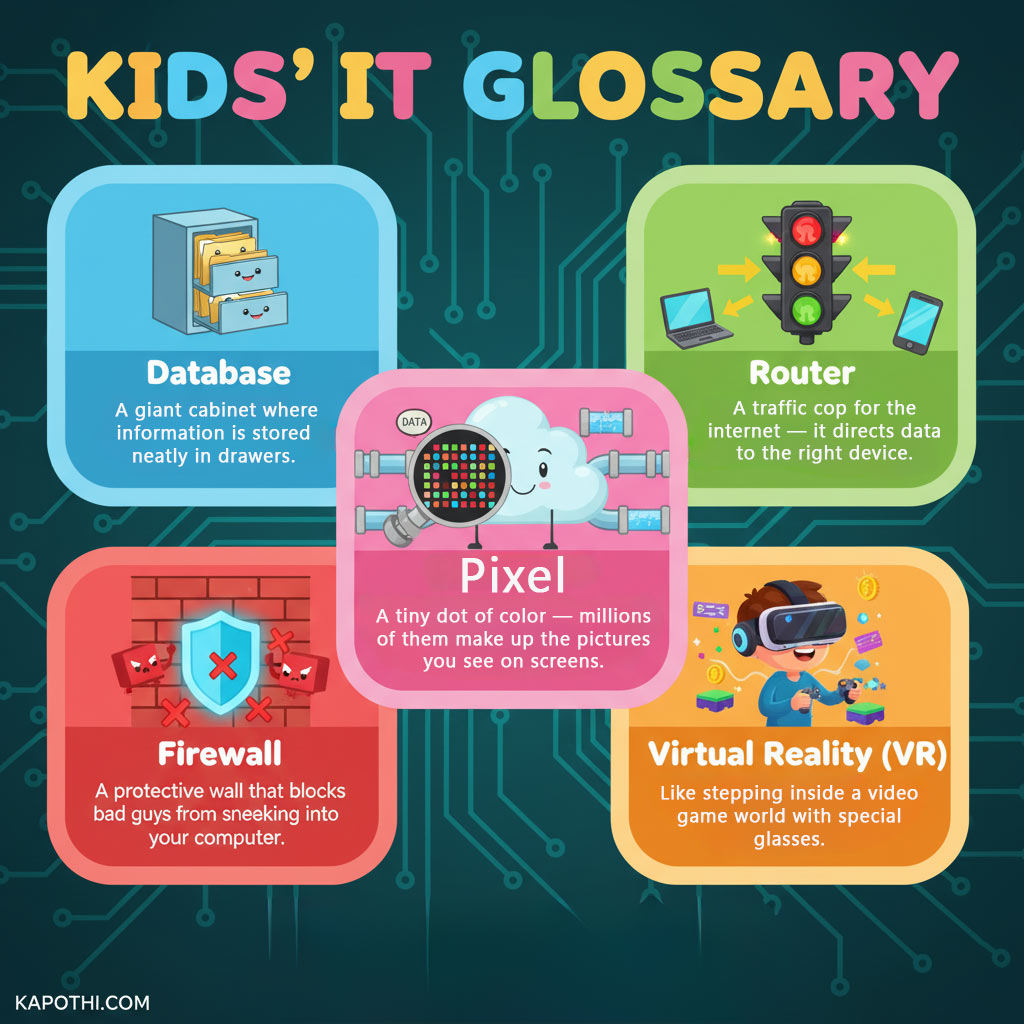
- Database 🗂️: Where does all that information from websites and apps go? Into a database! Think of it as a giant, super-organized filing cabinet where information is stored neatly in drawers, ready to be found instantly.
- Router 🚦: Your internet needs a traffic cop, and that’s your router! It’s like a traffic light for the internet that directs all the data (like game info or video streams) to the right device in your home.
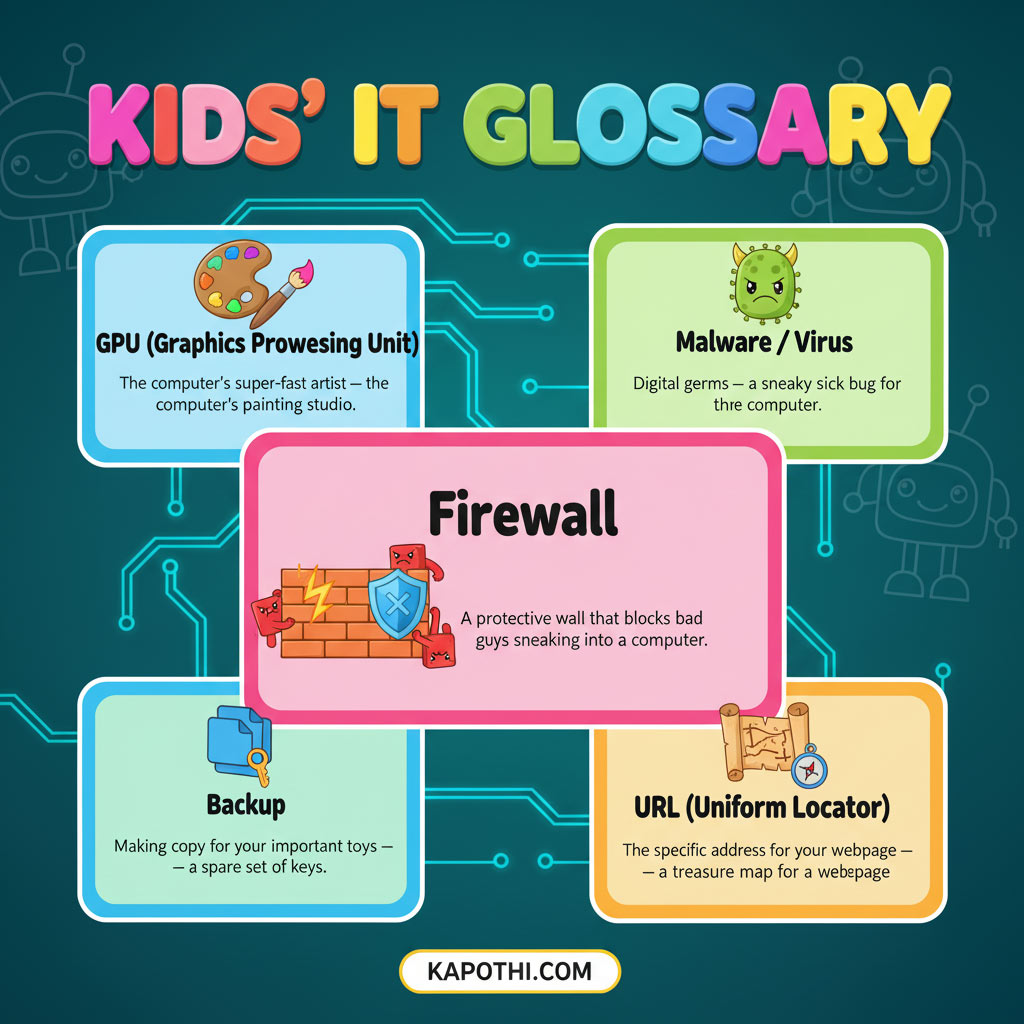
- Firewall 🧱: Just like a strong brick wall protects a castle, a firewall is a protective wall for your computer! It blocks bad guys and unwanted software from sneaking in and causing trouble.
- Pixel 🔲: Look super close at your screen! See those tiny dots of color? Each one is a pixel! Millions of these tiny dots work together to create all the amazing pictures and videos you see on screens.
- Virtual Reality (VR) 🎮: Ever dreamed of stepping inside your favorite video game? With special glasses and a headset, Virtual Reality lets you do just that! It’s like being transported into a whole new digital world!

The Computer’s Inner Team!
- Operating System (OS) 🧠: The OS is like the conductor of a super-big orchestra! It’s the boss program that makes all the parts of your computer (and all your other apps!) work together smoothly. Think of it as the computer’s brain!
- Input/Output (I/O) ↕️: How do you talk to your computer, and how does it talk back? That’s Input/Output! Input is like you typing on a keyboard or clicking a mouse, and Output is like the computer showing you things on the screen or playing sounds.
- RAM (Random Access Memory) 📝: Imagine your computer has a super-fast workbench or a temporary notepad. That’s RAM! It’s where the computer keeps all the things it’s actively working on right now so it can grab them super quickly. But, like a notepad, it forgets everything when you turn the computer off!
- ROM (Read-Only Memory) 📜: If RAM is a temporary notepad, ROM is like the computer’s permanent rulebook, written on a stone tablet! It holds the most important instructions the computer needs to wake up and get started, and those rules never change.
- CPU (Central Processing Unit) 💡: The CPU is the ultimate “thinker” inside your computer! It’s like a super-fast calculator and problem-solver that does all the heavy lifting to run your games, apps, and everything else.
More Power and Protection!
- GPU (Graphics Processing Unit) 🎨: While the CPU thinks, the GPU is the computer’s super-fast artist! It’s specially designed to draw all the incredible pictures, animations, and videos you see on your screen, making your games and movies look amazing!
- Malware / Virus 🦠: Uh oh! Malware is like digital “germs” or a sneaky sick bug for your computer. It’s bad software designed to cause trouble, slow things down, or even try to steal your information. Always be careful online!
- Backup 💾: Ever worried about losing your favorite game saves or important drawings? A backup is like making extra copies of all your important digital stuff! If something happens to the originals, you have a spare set, safe and sound.
- URL (Uniform Resource Locator) 🗺️: When you want to visit a website, you type in its address, right? That’s a URL! It’s like a super specific treasure map that tells your internet browser exactly where to find a page on the internet, like
kapothi.com/kids-it-glossary.
Conclusion
Wow! You’ve just learned so many cool things about how computers and the internet work. You’re becoming a real digital explorer! Keep exploring, keep learning, and keep being curious about the amazing world of technology.
What’s your favorite new tech word? Let us know in the comments below!