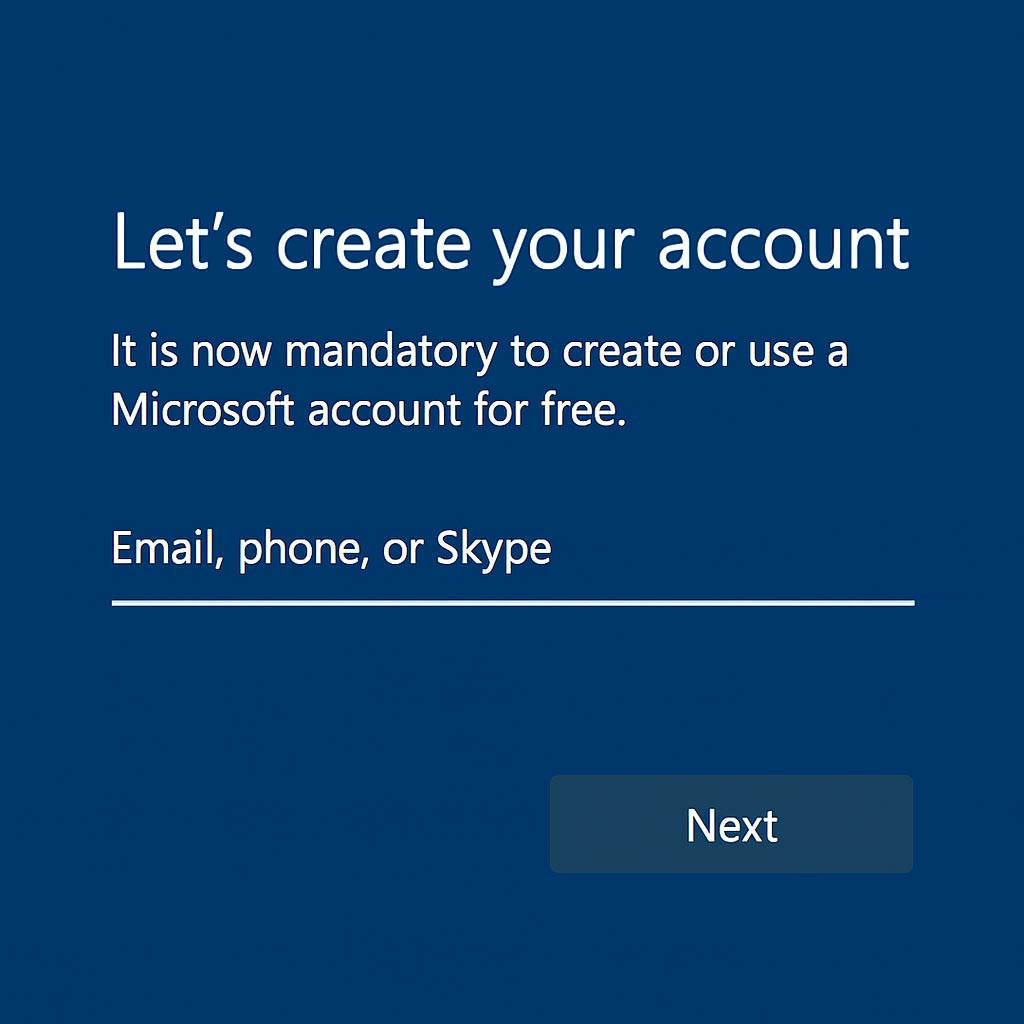
and yes, Windows 11 version 25H2 does make it harder to create local accounts, especially during setup. But here’s the twist: it’s still possible, just not obvious.
What Microsoft Changed
- In 25H2, Microsoft enforces Microsoft account sign-in during installation for most editions (Home, Pro)
- The usual tricks like entering a fake email or skipping Wi-Fi no longer work reliably
- This is part of their push toward cloud-connected experiences, syncing, and telemetry
🛠️ How You Can Still Create a Local Account in Windows 11 25H2
Microsoft enforces Microsoft account sign-in during setup, but there are still hidden ways to create a local account. These are unofficial workarounds and may change in future builds.
🔹 Command Prompt Trick
Use this hidden command during setup:
start ms-cxh:localonly
This launches a hidden flow that lets you create a local account without needing a Microsoft login.
🔹 Registry Hack (if needed)
If the above fails, you can add a registry key to bypass the requirement:
Restart setup after adding this key, and you’ll be able to create a local account.
🌐 Cloud vs Local Identity in Windows 11
Microsoft is moving toward cloud-only identity, but local accounts still matter for sovereignty and control. Here’s a clear comparison:
☁️ Cloud Identity (Microsoft Account / Entra ID)
• Syncs settings, files, and apps across devices
• Integrated with OneDrive, Outlook, Microsoft Store
• Required for some features (Copilot, Widgets, Teams)
• More telemetry and data sharing
• Less control for offline or sovereign setups
• Dependency on Microsoft ecosystem
🖥️ Local Identity (Traditional Local Account)
• Greater privacy and sovereignty
• No dependency on Microsoft services
• Ideal for test labs, archival machines, or secure setups
• No automatic sync or recovery
• Some features disabled or hidden
• Requires manual backups and updates
⚖️ Bottom line: Cloud identity offers convenience and integration, while local identity preserves sovereignty and offline control. Choose based on your needs.
⚠️ Important Note
These methods are unofficial and may stop working in future updates. They are best used for testing, offline machines, or sovereign setups where cloud identity is not desired.